Google Rolls Out Pixel Call Recording: A Late but Important Update for Pixel Users
Pixel Call Recording Available Now Google has started rolling out Pixel Phone app Call Recording, though the feature arrives late in the competition. Many Android phones already offer built-in recordi
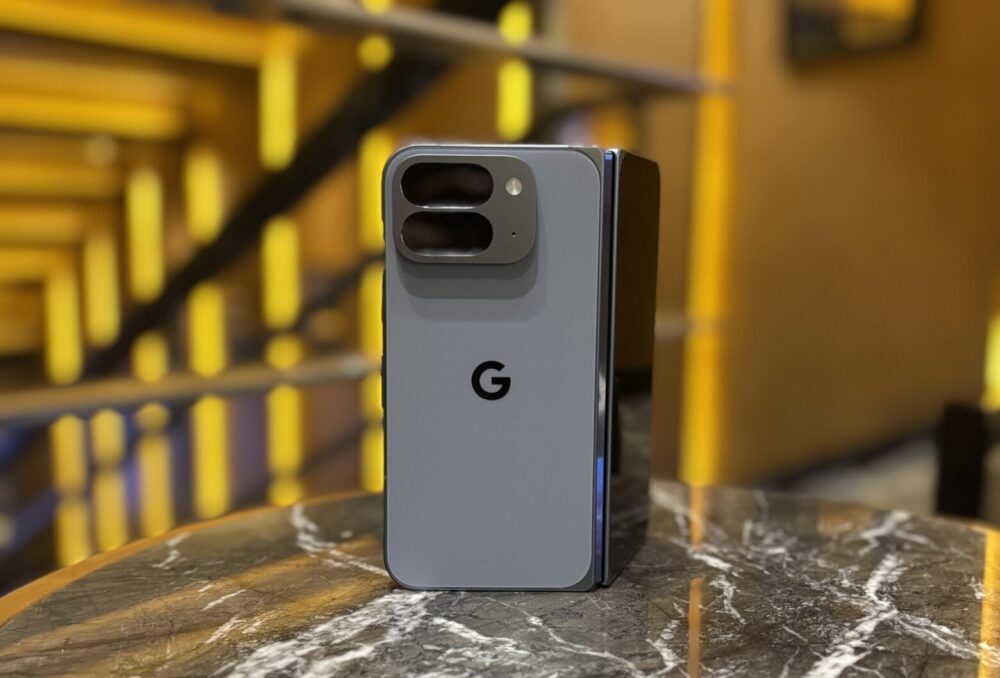
Pixel Call Recording Available Now
Google has started rolling out Pixel Phone app Call Recording, though the feature arrives late in the competition. Many Android phones already offer built-in recording tools, yet Pixel users waited years for an official option. Now, the feature is finally reaching devices globally, depending on laws and language support.
Where to Find the New Call Recording Option
Users can open the Pixel Phone app and head to Settings to see a new Call Recording menu under Call Assist. The setup requires a small audio download. Then, the feature appears during the first call. Google keeps recordings saved locally on the device for added privacy.
How Call Recording Works During Calls
When a call starts, the Call Assist panel shows a Call Recording button. A brief countdown follows. Then a voice message alerts all callers that the recording has begun. A red dot appears near the call timer. Users can stop recording anytime from the same menu.
Playback and Management Tools Added
After the call, recordings appear in the Home tab with a microphone badge. The embedded M3 Expressive audio player handles playback. Users can enable auto-delete for recordings after 7, 14, or 30 days. They can also keep them forever or delete everything manually.
Options for Automatic Recording
Google includes options to record calls with non-contacts automatically. Users can also choose specific numbers. However, availability still depends on regional laws and supported languages. Many global users highlight this gap, noting how Pixel features often roll out unevenly.
Supported Devices and Related Updates
Google states that Call Recording works on Pixel 6 and newer phones running Android 14 or above. This includes newer Pixel 9 devices that lack AI Call Notes. The rollout appears with version 198 and above of the Phone by Google app.
Meanwhile, the November 2025 Pixel Feature Drop expands AI Call Notes to Australia, Canada, India, Ireland, and Japan. Those features bring transcriptions, summaries, and action steps to calls, offering more assistance.

FocusFlow: The Last Timer You'll Need
Master the art of deep work with our analog-inspired digital interface. Zero tracking, 100% focus.
Learn more
Exploring the intersection of human psychology and digital culture. Documenting the shift toward slow media and helping readers find balance in an attention-based economy.
View all articles